Inato Integrates With CRIO’s Site CTMS to Simplify Patient Screening

Inato's AI patient pre-screening now connects with CRIO's Site CTMS through a two-way sync, helping sites track, manage, and enroll trial participants with far less manual work.
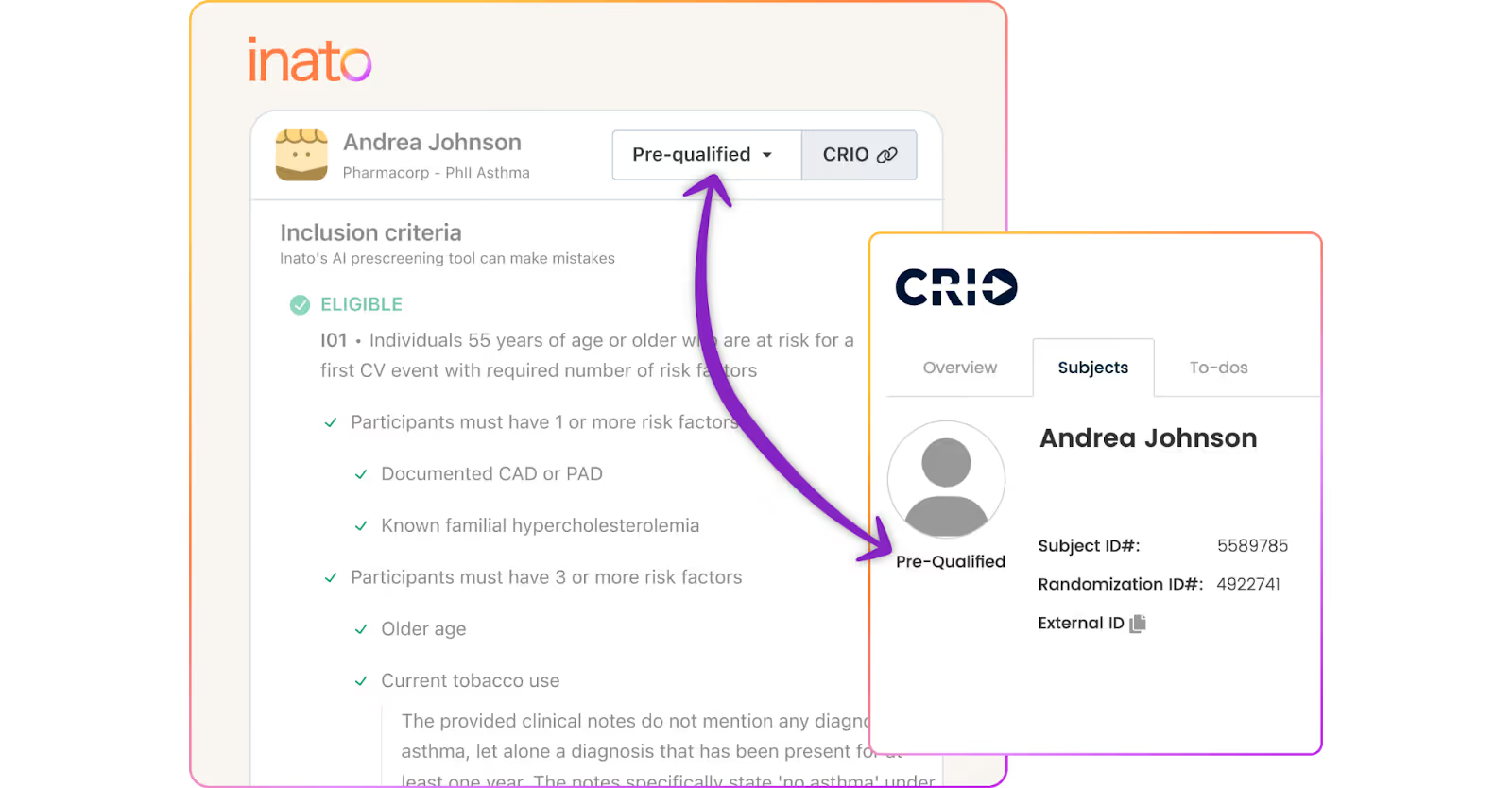
Sites and their partner providers have tens of thousands of patients who could benefit from access to trials, but historically there’s been no easy way to identify and enroll them. Inato now solves this problem from start to finish for CRIO users: seamlessly pulling in patient records from CRIO (and the site’s EHR, if applicable), assessing patients for active studies, and updating patient eligibility in CRIO’s CTMS to help sites manage next steps.
How the two-way sync works
Once a site activates the connection, patient data from CRIO flows automatically into Inato for pre-screening and trial matching and pre-screening results from Inato flow back into CRIO, so site teams can act on matched patients without ever leaving CRIO. The systems stay in sync: no manual exports, additional admin, or duplicate data entry required.
The integration with CRIO:
- Accelerates pre-screening and enrollment: CRIO users can now assess all patients for all active trials using Inato’s AI patient pre-screening. Inato’s AI patient pre-screening provides eligibility assessments for each patient, reducing chart review times by up to 90% at 98% accuracy and helping sites rapidly zero in on the most relevant patients for any study.
- Creates one seamless workflow: The two-way connection links patients and trials and keeps records up-to-date across systems, facilitating easy handoffs between site team members and making it simple to track and manage participants.
- Eliminates duplicative work: Inato fits into existing site workflows to eliminate unnecessary admin tasks, save time, and reduce burden.
Get Started
CRIO Org Admins can kickstart the process today in the CRIO Site App. Follow our step-by-step instructions to activate the connection here. If you have any questions, reach out to prescreening@inato.com.
And for more information, you can watch our webinar with CRIO here: https://www.inato.com/videos/www-inato-com-videos-inato-crio-webinar